-800x800.jpg "Messenger Buttons for PrestaShop Enhance Customer Communication (Facebook, Instagram, Skype, WhatsApp, Viber, Vkontakte)")
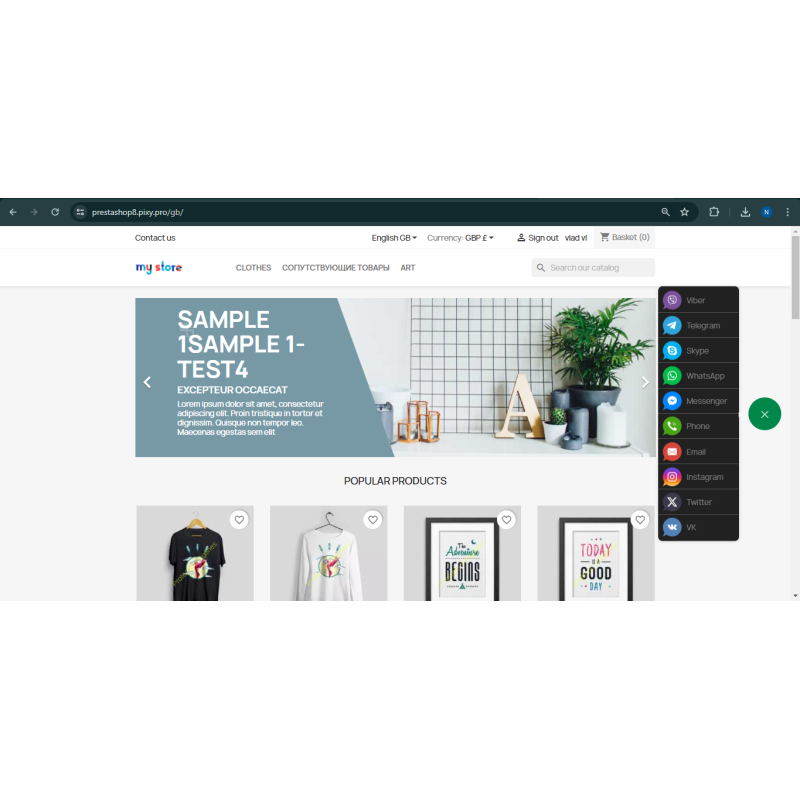
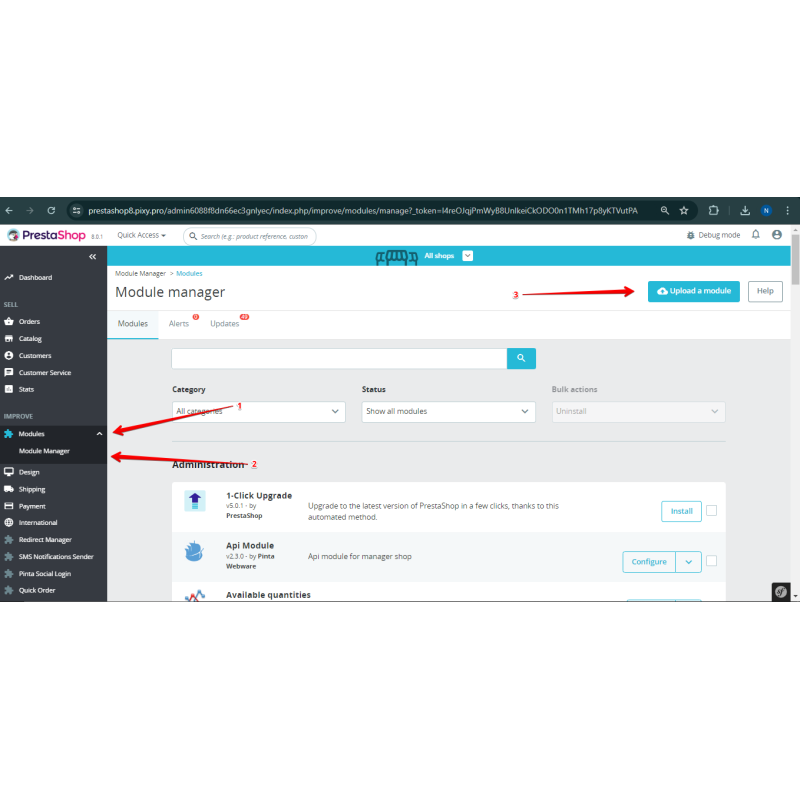
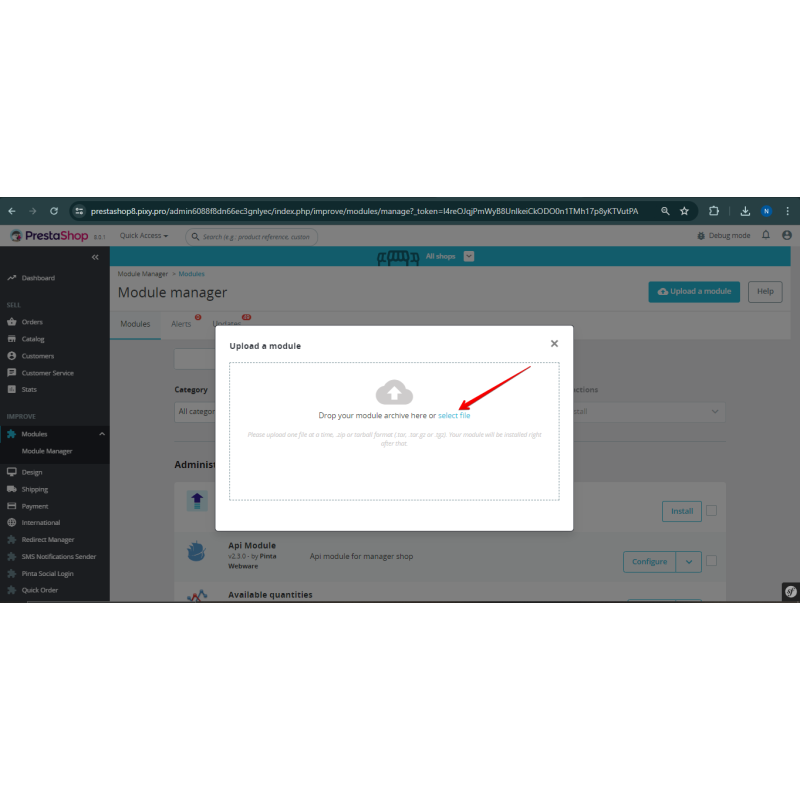
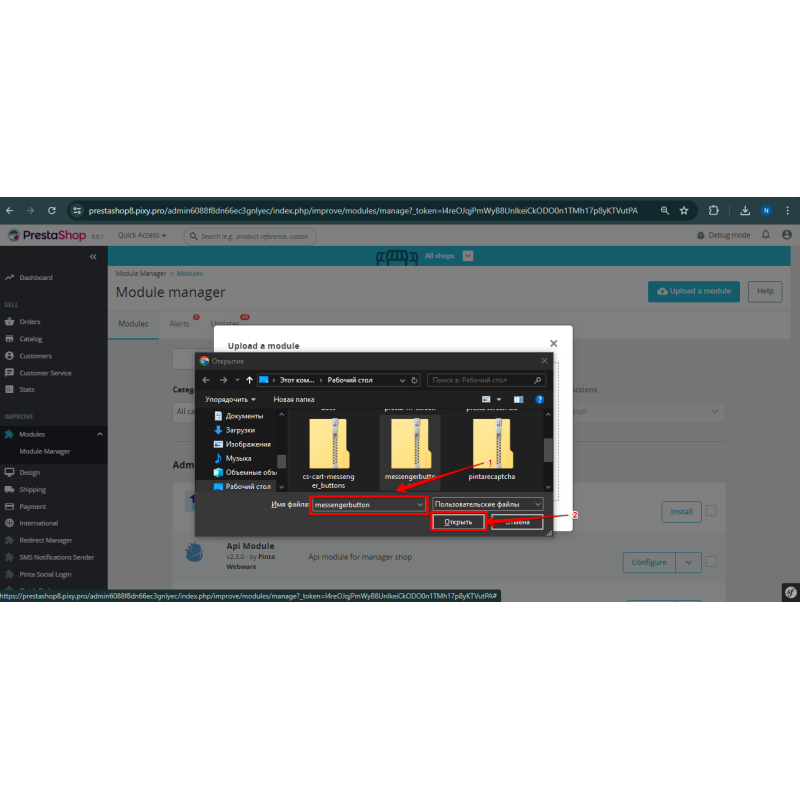

Messenger Buttons for PrestaShop Enhance Customer Communication (Facebook, Instagram, Skype, WhatsApp, Viber, Vkontakte)
Add messenger buttons to PrestaShop for WhatsApp Viber Skype Telegram and more Boost customer communication satisfaction and conversion rates
$25.00
$50.00
Available Options
Tags: Viber, Plugin, extension, message, button, messenger, plug-in, buttons, messengers, communicating, site, visitors, web, analytics, google, Facebook, Yandex, onclick, click, phone number, login, WhatsApp, Telegram, Skype



.png)
 Overview:
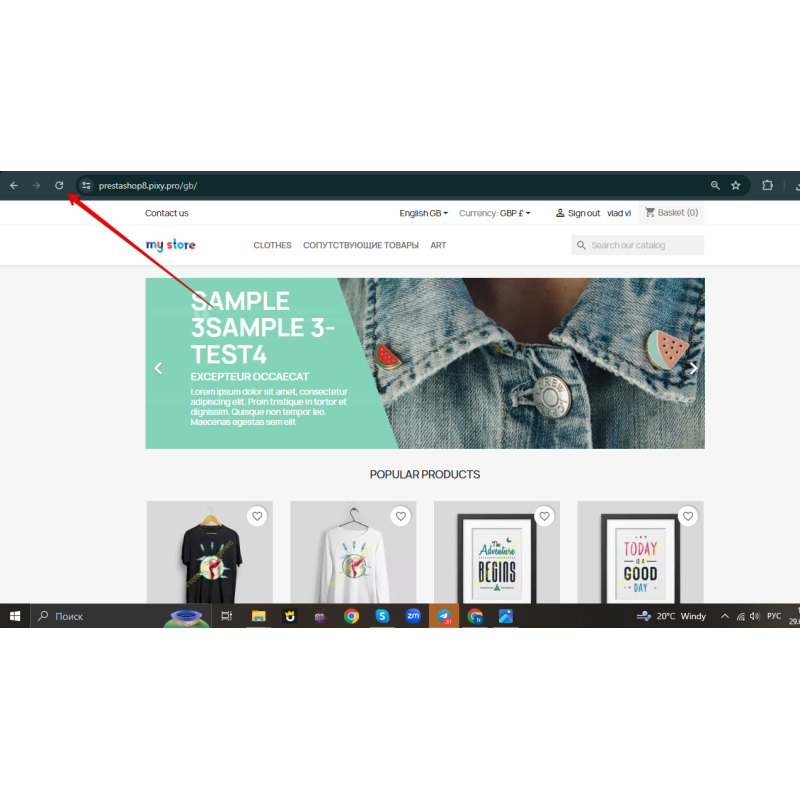
Messenger Button shows a sticky button (or a fan of buttons) on every page of your store that takes customers straight into a chat with you in the right messenger. One tap and the customer is already writing to you in the app they use every day, with a pre-filled first message. It simplifies contact, builds trust and shortens the path to an order.
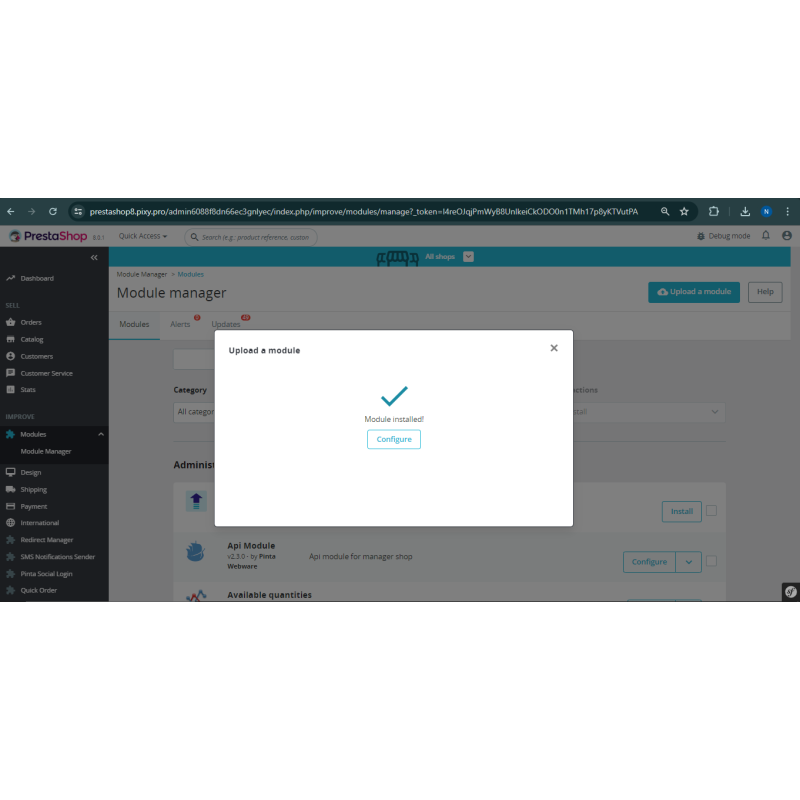
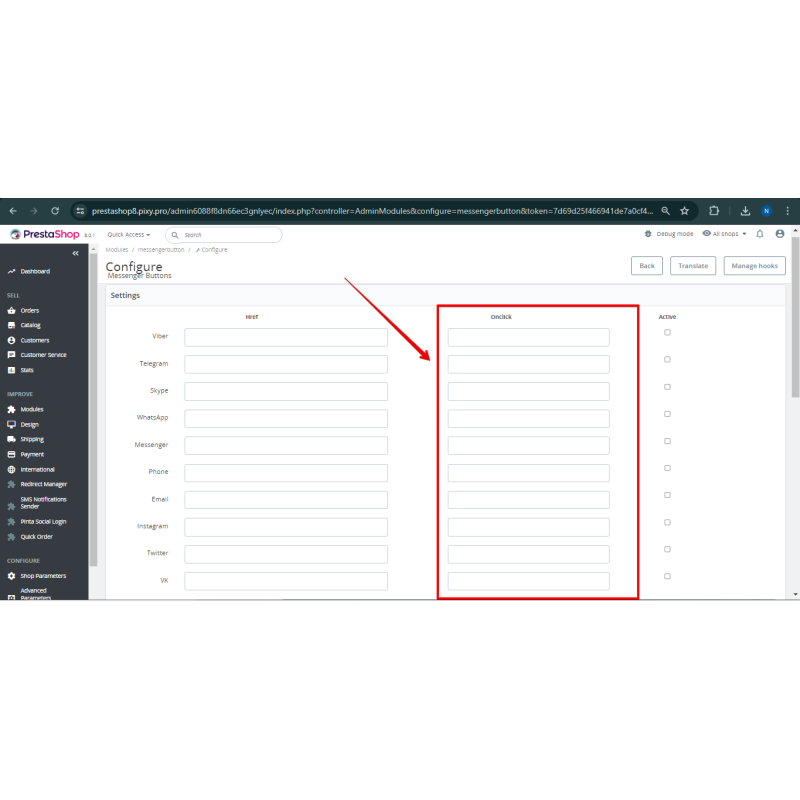
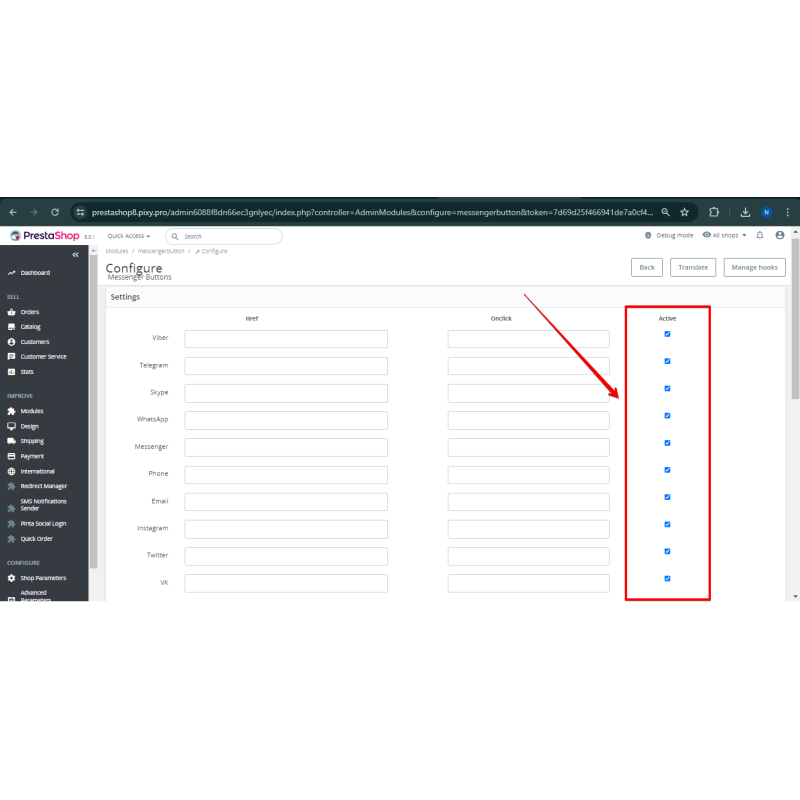
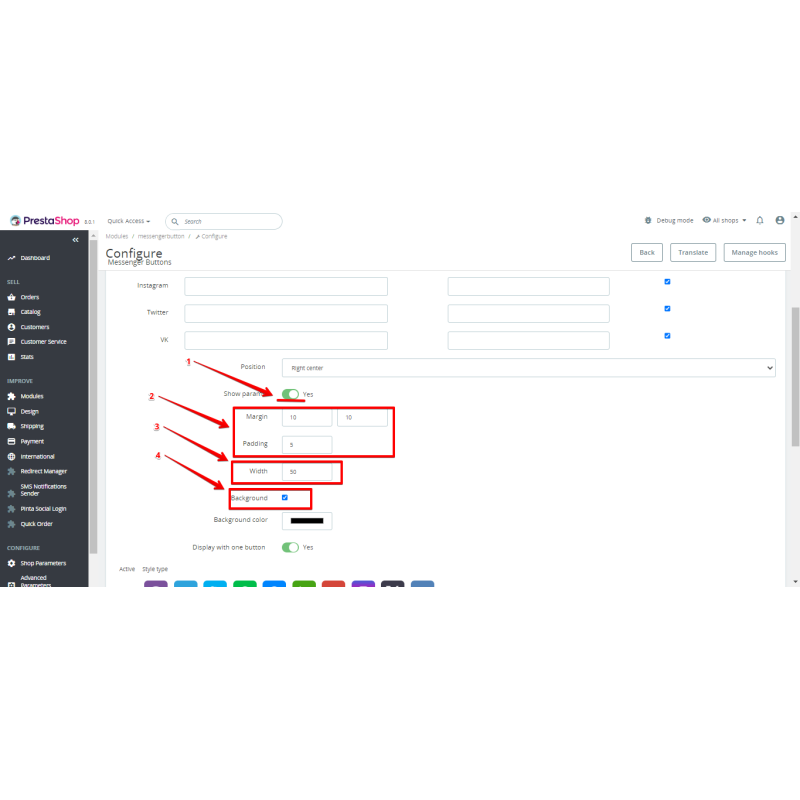
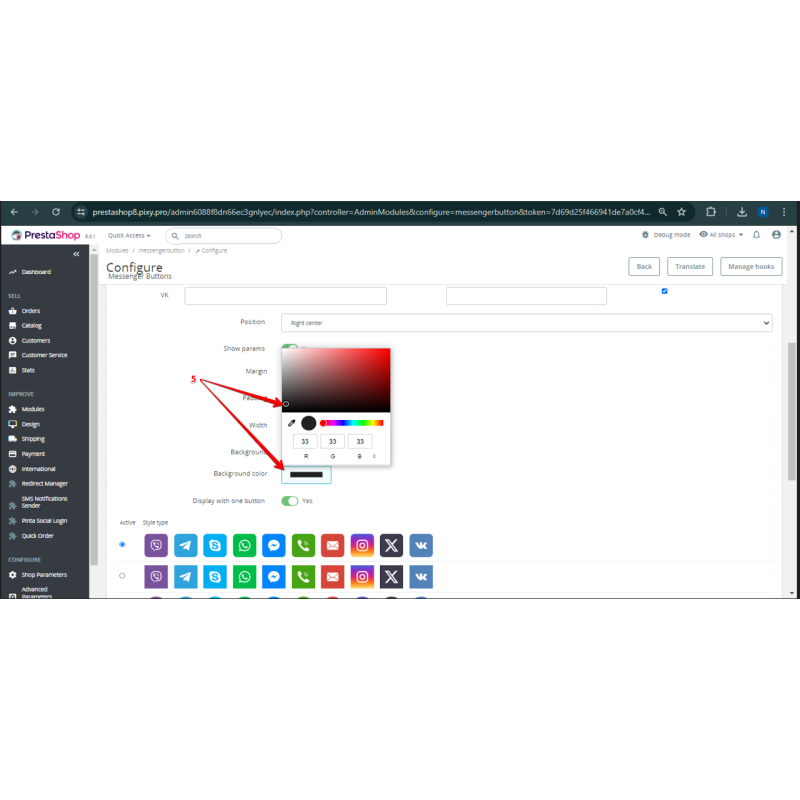
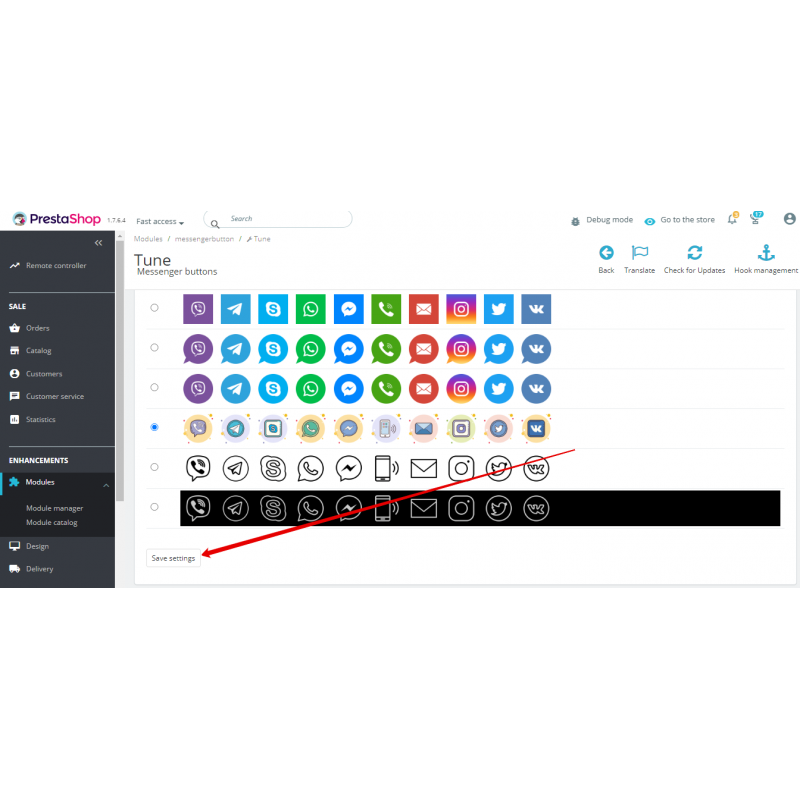
The module is configured entirely from the PrestaShop back office, with no template editing. Enable the channels you need, enter the login/phone/link for each, optionally set a prefilled message, and pick the style and placement.
Compatibility:
PrestaShop 1.6 — 8.x.
Supported channels:
Viber, Telegram, Teams, WhatsApp, Facebook Messenger, Phone, Email, Instagram, X (Twitter), VK, TikTok, Line, SMS.
Key features
- A sticky floating button or a fan of buttons on every page.
- One tap opens the messenger/chat with your account.
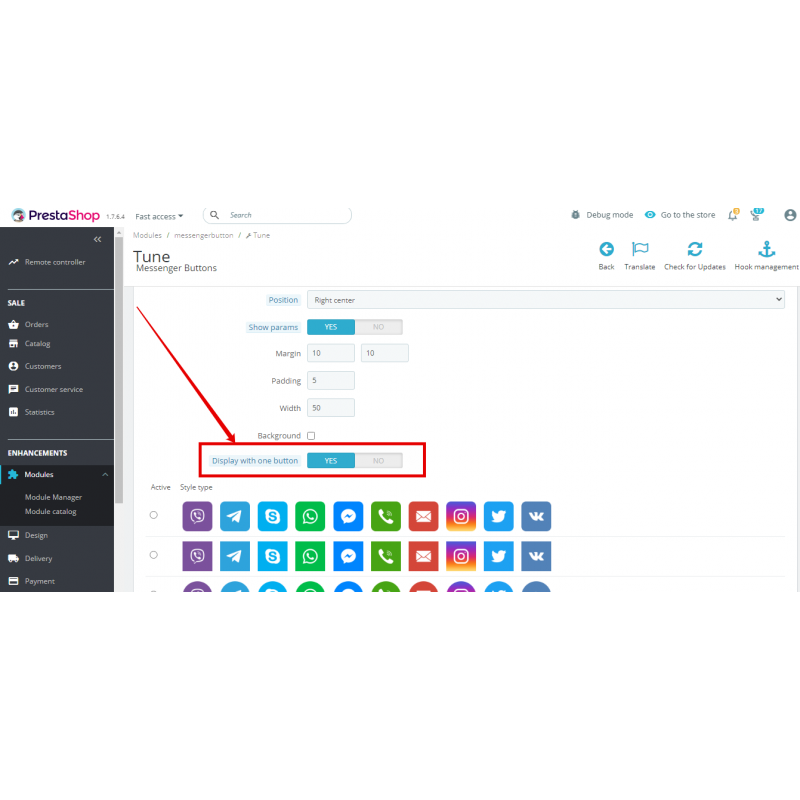
- Single main button or the whole stack shown at once.
- Prefilled first message for WhatsApp, Telegram, SMS and Messenger (URL-encoded automatically).
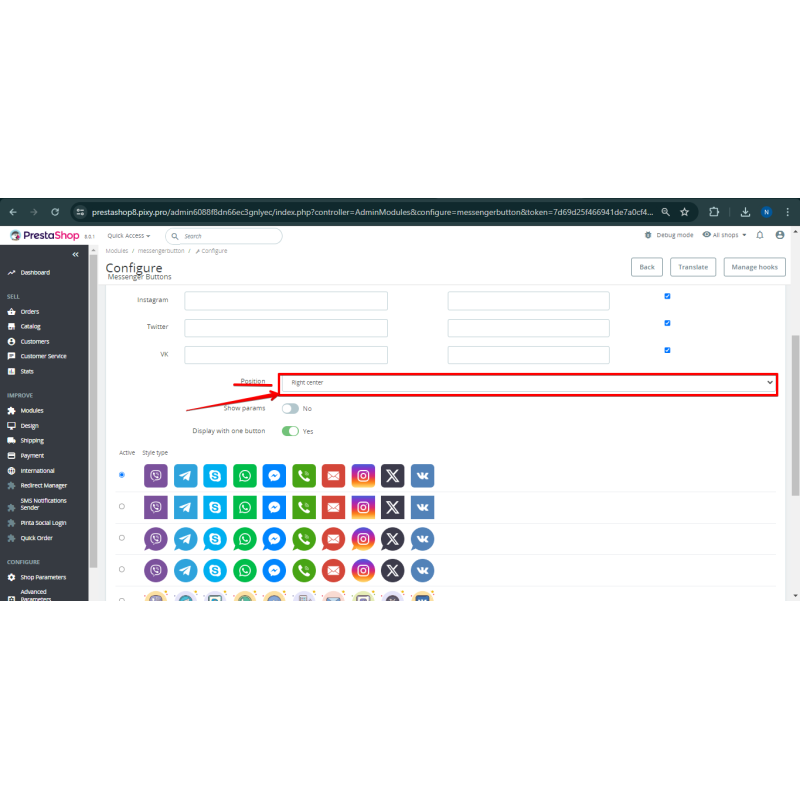
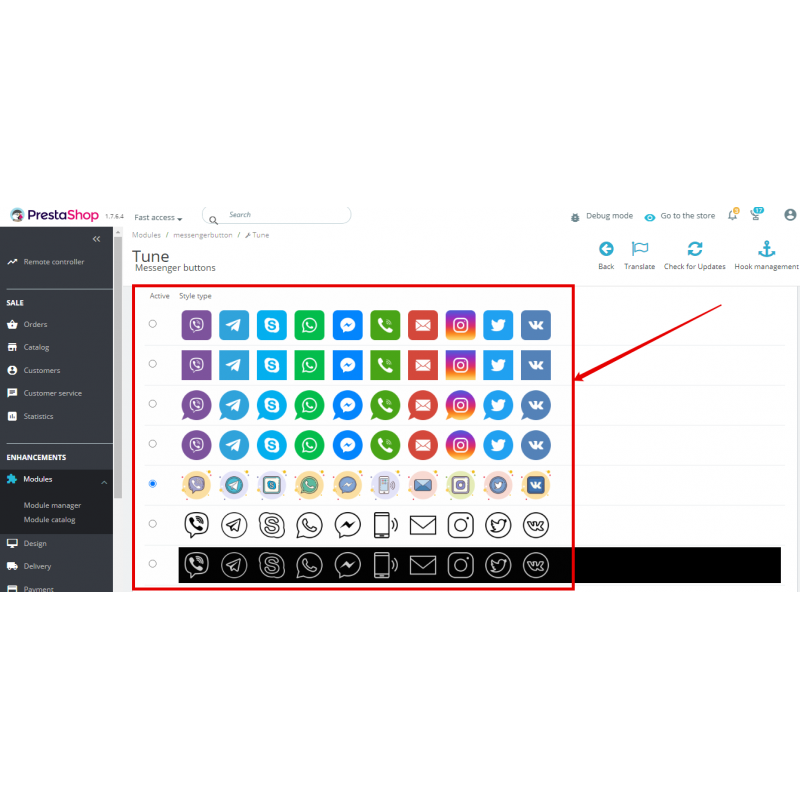
- Position (left/right, top/center/bottom), 7 ready-made icon styles, width, margin/padding and background color.
- Each channel is toggled independently and takes its own login/phone/link.
- Security: server-side URL-scheme validation, control-char bypass rejection (jav\tascript: and similar), prefilled text re-checked through safeHref().
Video Instructions
What's new
4.5.8 — Fixed the horizontal row in the expanded panel: a display: inline-block rule in custom.css overrode display: flex and broke the layout (the label stacked under the icon instead of sitting to its right). Removed inline-block — the panel renders the intended CS-Cart-style horizontal rows again.
4.5.7 — Reworked the expanded floating panel into horizontal CS-Cart-style rows: list width increased to 165px, icon on the left with a gapped space to the label, label vertically centered and left-aligned, long names ("Facebook Messenger") wrap by words.
4.5.6 — Interim variant: the panel was made a narrow vertical column of cards (88px list width, icon centered above the label); later replaced by the horizontal layout in 4.5.7.
4.5.5 — Fixed the broken layout of the expanded single-button panel when many channels are enabled (11–13 socials): resolved two CSS defects in share-button.min.css.
4.5.4 — Refinements to the expanded floating panel and channel rendering (storefront CSS tweaks in share-button.min.css).
Our Reviews
Related Products
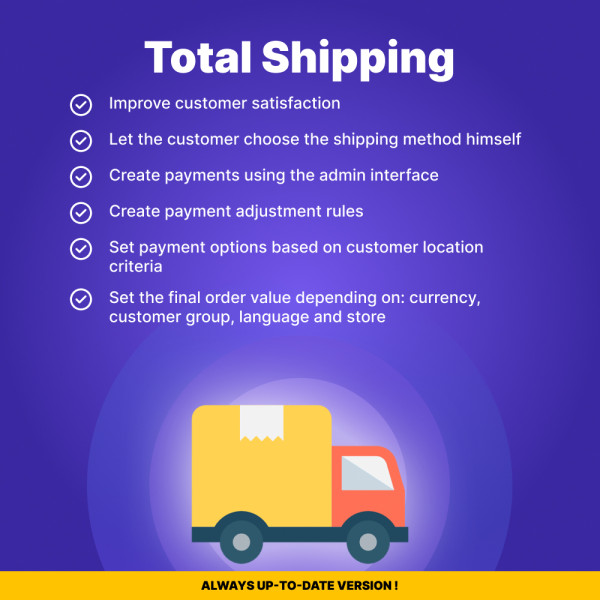
Total Costs with Shipping for PrestaShop: Transparent Pricing
$49.99
Ex Tax:$49.99
$60.00
Ex Tax:$60.00
-600x600.jpg "Quick Order Form for PrestaShop (v. 1.6-1.7-8.*)")
Quick Order Form for PrestaShop (v. 1.6-1.7-8.*)
$49.99
$80.00
Ex Tax:$49.99
-600x600.jpg "Optimize PrestaShop Images with Squeezeimg for Speed & SEO")
Optimize PrestaShop Images with Squeezeimg for Speed & SEO
$0.00
Ex Tax:$0.00
-600x600.jpg "Nova Poshta Simple Delivery Integration for PrestaShop (v. 1.6*-8)")
Nova Poshta Simple Delivery Integration for PrestaShop (v. 1.6*-8)
$49.50
$95.00
Ex Tax:$49.50
-600x600.jpg "ChatGPT 4 for PrestaShop: Simplify SEO Content Creation")
ChatGPT 4 for PrestaShop: Simplify SEO Content Creation
$59.99
$85.00
Ex Tax:$59.99
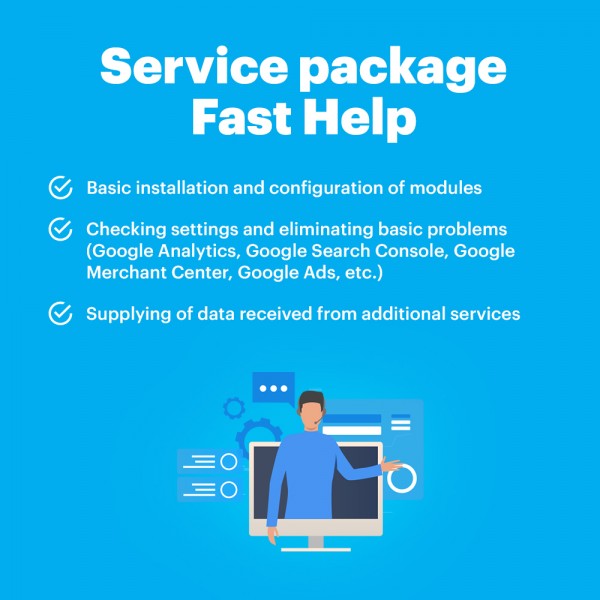
Package Service Fast help in an hour
$30.00
Ex Tax:$30.00